

The ultimate guide to customizing WooCommerce.
WooCommerce, one of the most popular e-commerce platforms, is renowned for its flexibility and extensive customization options. Whether you’re launching a new online store or enhancing an existing one, WooCommerce’s customization capabilities allow stores to meet specific needs. In this ultimate guide to WooCommerce customization, we’ll look at various ways to customize a WooCommerce store to create a unique and personalized shopping experience for customers.
Choosing the right topic.
Importance of a Responsive and User-Friendly Theme.
To create an attractive online store, you should choose a responsive and user-friendly theme. Responsive themes, which adapt to different screen sizes, ensure a seamless experience for both mobile and desktop users.
Customize the appearance of the theme.
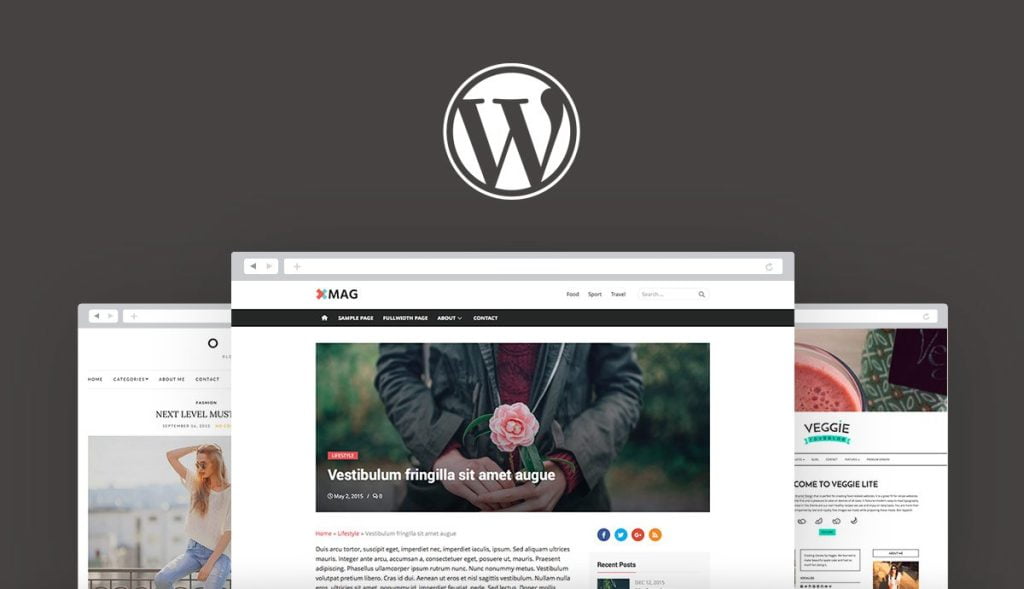

The appearance of the chosen theme can be customized to align with the brand identity. Colors, fonts, layout, and design elements should be personalized to create a cohesive and visually appealing online store.
Related articles: How to create an online store using WordPress and WooCommerce
Customization of product pages.
Product descriptions and images.
WooCommerce customization options should be utilized to create compelling product descriptions and display high-quality product images. The layout and style of product pages should be customized to highlight key information and attract customers.
Product variations and features.
WooCommerce product variant and attribute settings should be adjusted if you sell products with different variants, such as size or color. This allows customers to easily select the desired options and view relevant information.
Advanced customization application.

Using custom CSS.
For more advanced customization, custom CSS can be added. This allows for detailed tuning of the store's appearance and layout beyond the theme's built-in customization options.
Customizing templates.
WooCommerce offers a range of templates for various pages, such as cart, checkout, and account pages. These templates can be customized to ensure alignment with your brand’s visual identity and a seamless user experience.
Extend functionality with add-ons.
Exploring WooCommerce extensions.
WooCommerce offers a huge library of extensions and plugins that can extend the functionality of your store. From payment gateways to marketing tools, plugins that align with your business goals should be chosen and their settings should be customized to meet your specific requirements.
Developing custom plugins.
If specific requirements cannot be met by existing plugins, the development of custom plugins should be considered. Experienced developers they can create customized add-ons for a business's needs.
Optimized for performance and speed.

Caching and optimization.
To provide a fast and seamless shopping experience, WooCommerce stores should be optimized for performance. They should implement caching solutions, optimize images, and minify CSS and JavaScript files to improve load times.
Thoughts on hospitality.
A reliable and robust one should be chosen hosting provider that can handle the demands of a WooCommerce store. Hosting options specifically optimized for WooCommerce should be sought to ensure maximum performance and stability.
Related articles: WooCommerce Vs Shopify (Comparison 2023)
Conclusion
WooCommerce offers unparalleled customization options, allowing you to create a truly unique and personalized online store. From choosing the right theme and customizing its appearance to customizing product pages and extending functionality with plugins, there are endless possibilities to make a WooCommerce store stand out.