Best practices for WordPress Backup and website restoration.
Backup and disaster recovery are two important parts of WordPress maintenance that are considered essential to keep your website running smoothly and ensure data protection. A backup is a copy of all your website data that can be used to restore your website in the event of a disaster. The process of restoring your website after a disaster is known as disaster recovery. These two components of WordPress maintenance are considered critical to preventing data loss and downtime.
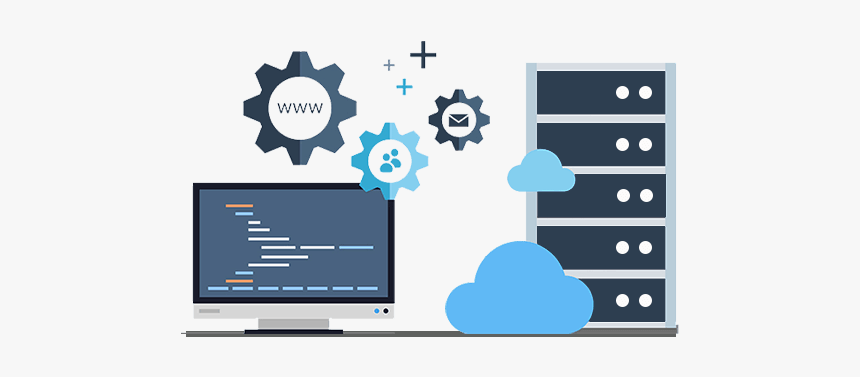
Definition of backup and disaster recovery.
A backup is a copy of all website data, including files and database information, that can be used to restore the website to a previous state in the event of a disaster. Disaster recovery is a plan and process for restoring the website after a disaster, such as a cyber attack or a hardware failure, to minimize the impact and downtime of such an event.
Importance of having a backup and disaster recovery plan in WordPress maintenance.
Having a backup and disaster recovery plan is essential for WordPress maintenance. Without a backup, all the data on your website could be lost if something happens, such as a server crash or cyberattack. Furthermore, if there is no plan in place to restore your website, it could be stuck in an extended outage. This can have devastating consequences for your business and reduce your profits.
The consequences of not having a backup and disaster recovery plan.
Data loss
The most obvious consequence of not having a backup and disaster recovery plan is data loss. If something were to happen to your website, all the data stored on it could be lost. This includes any customer information, website content, or blog posts you may have created.
Break time
In addition to data loss, not having a backup and disaster recovery plan can lead to extended downtime. This means that the website will be unavailable for quite some time.
Negative impacts on businesses
The consequences of not having a backup and disaster recovery plan don’t stop at data loss and downtime. This can also have a negative impact on the business. Customers may be frustrated that the website is unavailable and may look elsewhere for their needs. This can lead to a decrease in sales and revenue, from which the website may find it difficult to recover.
Practices for backing up and disaster recovery of a WordPress website.
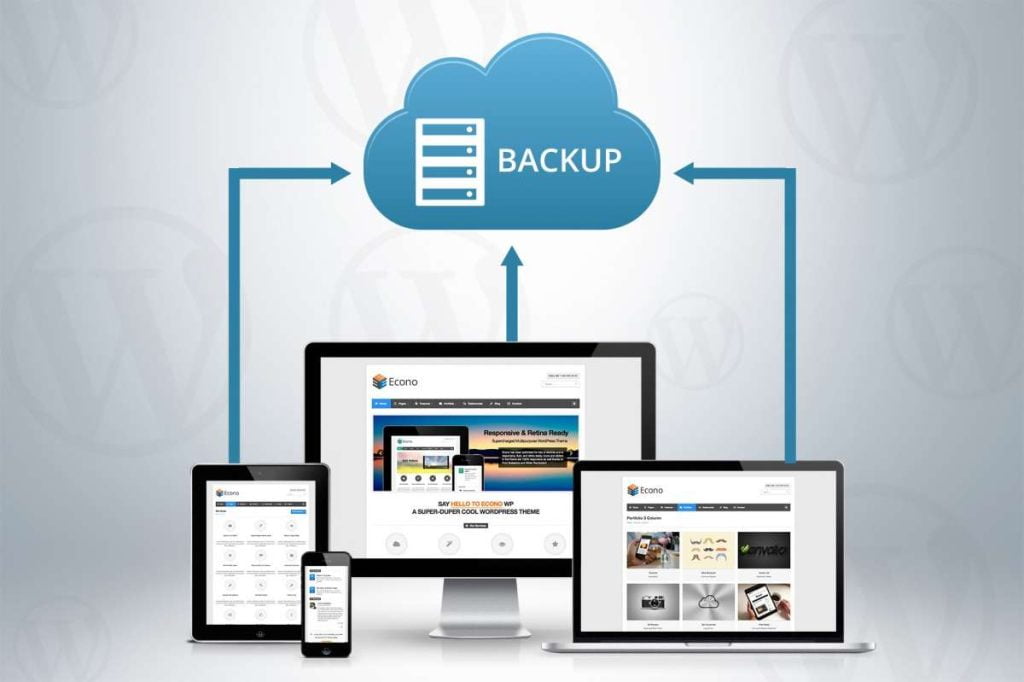
Regular backups
The best practice for backup and disaster recovery is to back up your website regularly. Ideally, you should back up your website on a weekly or even daily basis. This way, if something happens, you will have a recent copy of your website that can be used to restore it.
Store backups in multiple locations
Another best practice is to store backups in multiple locations. This means you should store backups on your web server, an external hard drive, and cloud storage. This ensures that your backups won't be lost if something happens to one of the storage locations.
Testing backups to ensure they can be restored
Finally, it's important to regularly test backups to ensure they can be restored. This involves taking a backup and then testing it to ensure it can be used to restore the site.
Tools and services for backup and disaster recovery.
There are a number of tools and services available to help create and maintain a backup and disaster recovery plan. These include: WordPress plugins, cloud storage services and managed hosting providers.
WordPress plugins
There are many WordPress plugins that create and manage website backups. For example, UpdraftPlus is a popular plugin that can be used to schedule regular backups. It also allows you to store backups in multiple locations and restore them to your site if something happens.
Cloud storage services
Cloud storage services like Amazon S3, Dropbox, and Google Drive are a great way to store backups. These services provide secure storage for backups, and tools like UpdraftPlus can be used to store backups to these services.
Managed hosting providers
Finally, there are managed hosting providers that offer backup and disaster recovery as part of their services. These providers will often provide automated backups as well as a plan to restore the site if something happens.
Conclusion.
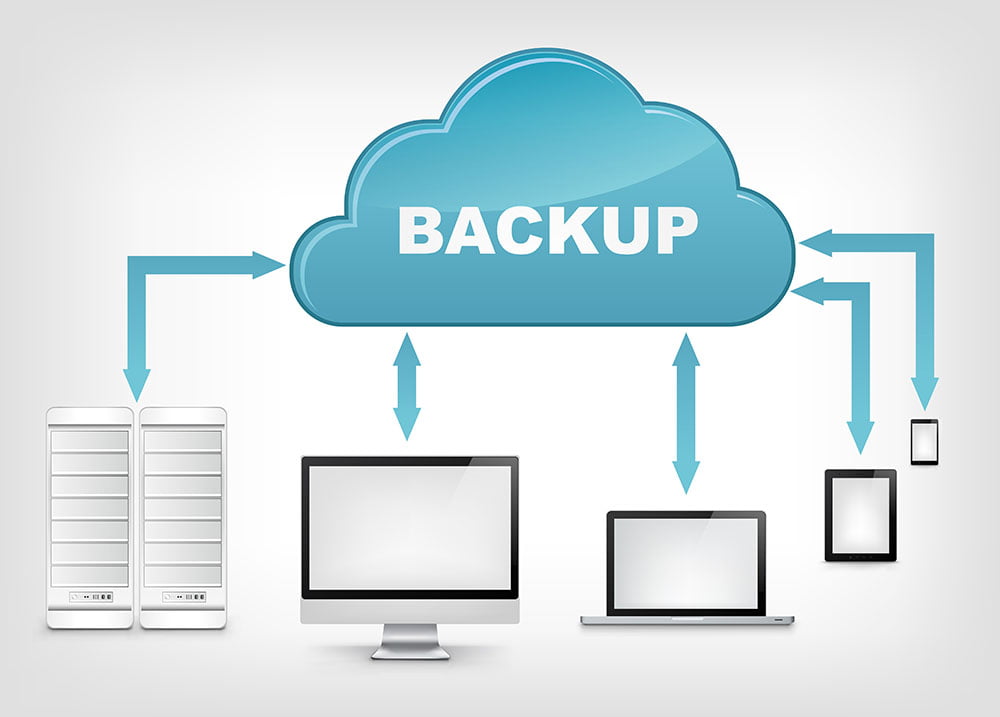
Η backup and disaster recovery are essential elements of WordPress maintenance. Without a backup and disaster recovery plan, all data on the site could be lost and it could experience extended downtime. It is important to have a plan and regularly create, store, and test backups of the site. There are various tools and services available to help with this.
Help with maintaining and backing up WordPress websites, as well as recovery assistance, can also be provided by our expert developers. fixit.gr. With their expertise, WordPress websites can be maintained in optimal condition, ensuring smooth operation and data protection.
When it comes to maintenance, the developers at fixit.gr have the necessary skills to perform routine updates, security patches, and plugin management. By diligently monitoring the site's performance and addressing potential vulnerabilities, they help prevent problems and ensure that the site remains secure and up-to-date.
In the unfortunate event of a security breach or breach, the developers at fixit.gr are equipped to handle the restoration process. Through their experience and expertise, they can analyze the extent of the damage, pinpoint the source of the breach and to restore the website immediately.